DevOps Haven: Your Guide to Modern DevOps Practices

DevOps Haven is your go-to blog for insights on DevOps practices, tools, and trends. We aim to provide a modern, sleek, and responsive platform for tech enthusiasts and professionals.

A dimly lit workspace featuring a desktop monitor displaying a website development page and a laptop showing a digital growth insights page. The setup includes a keyboard, mouse, two cups, a pen holder, and a clock displaying '02 36'. The atmosphere suggests a cozy, focused work environment.
Actionable DevOps Guides
Stay Updated with DevOps Insights

Subscribe to our newsletter for the latest DevOps tutorials, tool comparisons, and industry best practices delivered straight to your inbox.

Key DevOps Areas

Provide a general summary of the services you provide, highlighting key features and benefits for potential clients.

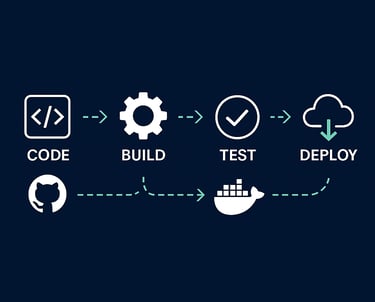
CI/CD Pipelines
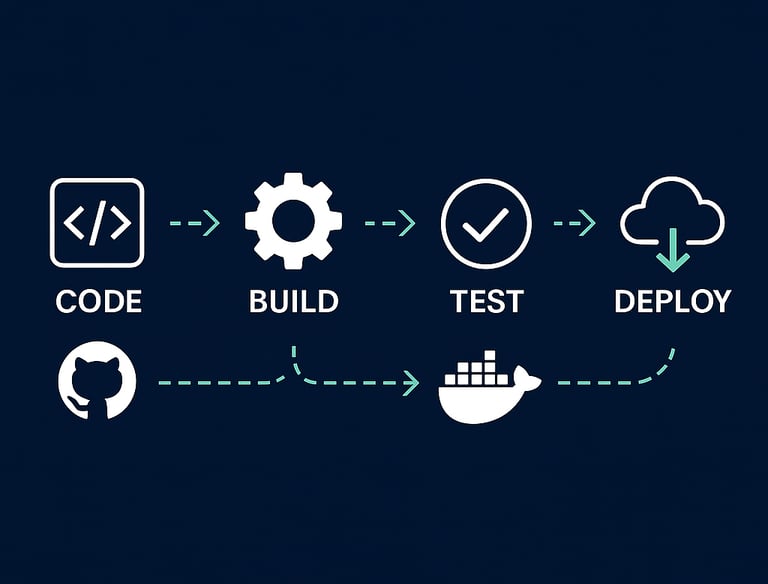
Write a short text about your service. Highlight key benefits for potential clients. Automate your build, test, and deployment workflows with Jenkins, GitHub Actions, GitLab CI, and more.Containers & Orchestration


Containers & Orchestration

Master Docker, Kubernetes, and container best practices for scalable applications.Infrastructure as Code

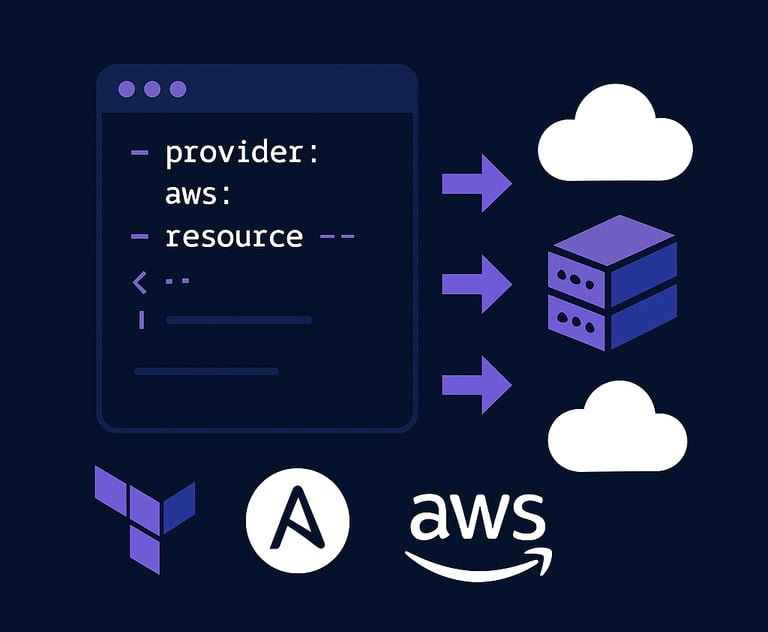
Write a short text about your service. Highlight key benefits for potential clients.Provision and manage infrastructure with Terraform, Ansible, and CloudFormation.

Infrastructure as Code

Get in Touch Today

We'd love to hear from you! Reach out for inquiries, feedback, or collaboration opportunities related to DevOps practices and trends.

Contact
Support

info@devopshaven.com

contact@devopshaven.com

DevOps Gallery

Explore our curated collection showcasing modern DevOps practices and tools.

A dimly lit workspace featuring a large monitor displaying lines of colorful code, suggesting a programming environment. In front of the monitor, a notebook with handwritten notes, a pair of glasses, and a pen are neatly placed, indicating an engaged working session.
A computer screen displaying a dark-themed text editor with code in various colors. The left side shows the interface of a web inspector or development tool, with some unreadable elements beside the code. The background appears blurred with faint details of another screen or window.
A laptop displaying a code editor with a dark theme, showing lines of colorful code. The environment is bright and minimalistic.
A computer screen displaying a text editor with several files open. Code is written in TypeScript or JavaScript, showing imports and configurations for a web application. The directory structure is visible on the left sidebar, highlighting different folders and files related to the project.